
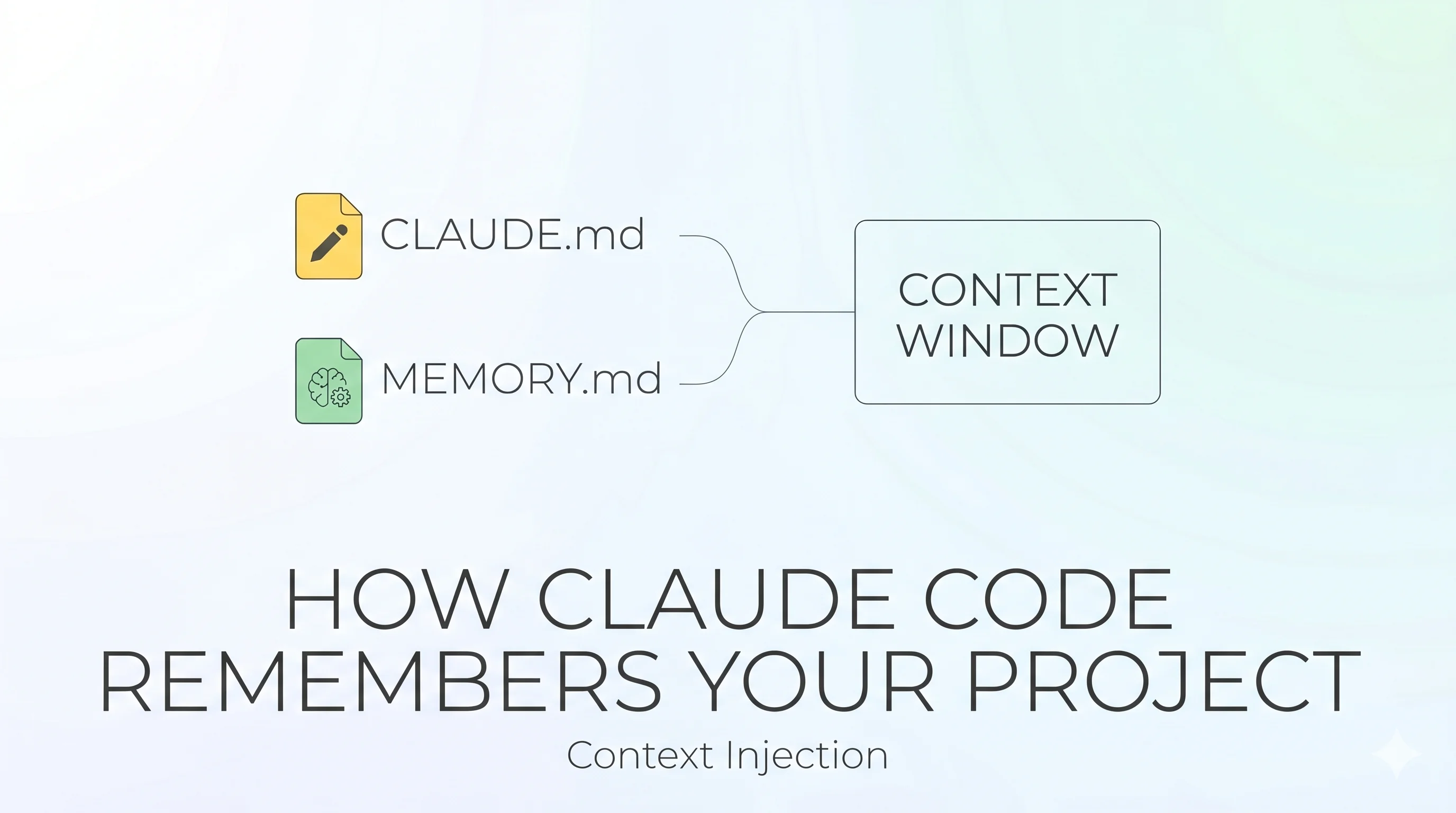
Every Claude Code session starts with a completely blank context window.
No background sync. No hidden database. No persistent state quietly accumulating in the cloud. You open a new session and Claude Code, technically, knows nothing.
Yet it remembers you use pnpm. It knows your API handlers live in src/api/handlers/. It recalls that you never mock the database in tests because of a prod incident last quarter.
Here's exactly how that works.
The Core Mechanic: Context Injection
There's no magic. Memory in Claude Code is files read at startup and injected into the context window. That's the whole trick.
The sophistication is in which files, from where, written by whom, and how much gets loaded. Two separate systems handle this — and they complement each other.

Two systems. Two authors. One shared goal: give the next session enough context to be useful from message one.
System One — CLAUDE.md: Memory You Write
CLAUDE.md is a plain markdown file. You write it. Claude reads it at session start, every time, no exceptions. Think of it as the onboarding doc for a new teammate — except this teammate reads it perfectly and forgets nothing within the session.
The scope hierarchy
Claude walks up your directory tree collecting every CLAUDE.md it finds. All files concatenate — none override each other.

More specific wins. Your CLAUDE.local.md appends after the team file at the same level, so your personal preferences take precedence on conflict.
Subdirectory files (like src/CLAUDE.md) don't load at launch — they load lazily the first time Claude reads a file in that subdirectory. Keeps startup lean.
What belongs in CLAUDE.md
Add something when:
- Claude makes the same mistake twice
- You type the same correction you typed last session
- A code review catches something Claude should have known
- A new teammate would need the same context on day one
Keep entries concrete. Vague instructions degrade fast.
| Bad | Good |
|---|---|
| Format code properly | Use 2-space indentation, no trailing commas |
| Test your changes | Run pnpm test before committing |
| Keep files organized | API handlers go in src/api/handlers/ |
| Be careful with auth | JWT tokens expire in 15 min — never extend server-side |
The 200-line limit
Stay under 200 lines per file. Longer files consume more context and — counterintuitively — produce worse adherence. Too many instructions dilutes attention on any single rule.
For large projects, use .claude/rules/ — a directory of topic-scoped markdown files. You can gate rules to specific file paths with frontmatter:
---
paths:
  - "src/api/**/*.ts"
---

All endpoints must include input validation.
Use the standard error response format.
These path-scoped rules only load when Claude touches matching files. Everything else stays out of context.
System Two — Auto Memory: Memory Claude Writes
Auto memory flips the model. Instead of you writing instructions, Claude takes notes on itself as it works.
During a session, Claude quietly observes: how you build, how you test, what corrections you make, what patterns you favor. At the end, it decides what's worth saving for next time — not everything, just what future-Claude would actually use.
Where it lives
~/.claude/projects/<repo>/memory/
├── MEMORY.md           ← sparse index, loaded every session
├── debugging.md        ← patterns that fixed recurring bugs
├── api-conventions.md  ← design decisions and rationale
└── workflow.md         ← build, test, deploy knowledge
The path is derived from your git repo root. Every worktree and subdirectory within the same repo shares one memory store.
How loading works

MEMORY.md is intentionally sparse — a table of contents, not a dump. Topic files are heavy with detail but never loaded at startup. Claude pulls them mid-session only when relevant.
The four memory types
| Type | What it stores | Example |
|---|---|---|
| User | Your role, expertise, communication style | "Deep Go experience, new to React — frame frontend concepts in Go analogues" |
| Feedback | Corrections you made and approaches you validated | "Don't mock the database — mocks passed but prod migration failed last quarter" |
| Project | Ongoing work, decisions, deadlines not in the code | "Auth rewrite is compliance-driven, not tech debt — scope for compliance over ergonomics" |
| Reference | Pointers to external systems | "Pipeline bugs tracked in Linear project INGEST" |
Feedback saves both corrections and confirmations — if you only record mistakes, Claude grows overly cautious over time.
What auto memory deliberately skips
Auto memory ignores things already derivable from the codebase: file structure, code patterns, naming conventions, git history. It targets knowledge that would otherwise vanish — the why behind a decision, the context that never made it into a commit message.
The Sharp Edges
Silent truncation
If MEMORY.md exceeds 200 lines, the overflow is silently dropped. No warning. No error. Claude just doesn't see older memories. It may behave like it forgot things — because it did.
Mitigation: Claude is supposed to keep the index sparse and move detail into topic files. On long-running projects, run /memory periodically to audit what's there and trim stale entries.
After /compact
Running /compact compresses the conversation to recover context space. After compaction, the project-root CLAUDE.md re-injects automatically. But nested CLAUDE.md files in subdirectories do not — they reload only the next time Claude reads a file in that path.
If an instruction disappears after /compact, it was either given only in conversation or lives in a lazy-loaded subdirectory file. Fix: add it to the root CLAUDE.md.
CLAUDE.md is context, not config
CLAUDE.md content is delivered as a user message, not enforced configuration. Claude reads it and tries to follow it, but there's no hard compliance guarantee — especially for vague or conflicting rules. If Claude isn't following an instruction, the issue is almost always instruction specificity, not a bug.
Practical Setup
| Scenario | What to do |
|---|---|
| Starting a new project | Run /init — Claude generates a starter CLAUDE.md from your codebase |
| Personal preferences across all projects | Write to ~/.claude/CLAUDE.md |
| Team standards | Commit CLAUDE.md to repo root, keep it under 200 lines |
| Local secrets / sandbox URLs | Use CLAUDE.local.md, add to .gitignore |
| Tell Claude to remember something now | Say it: "Remember that API tests need a local Redis instance" |
| Audit what Claude has saved | Run /memory in any session — browse and edit plain markdown |
| Large project with many rules | Use .claude/rules/ with path-scoped files per domain |
The Full Picture

Two files, two authors. Everything is plain markdown. Nothing is hidden.
That's the whole system. When it feels like Claude "remembers" — it's because someone wrote the right thing in the right file. When it feels like Claude forgot — it's because they didn't.
Official docs: How Claude remembers your project